Uploading your photos onto Club Motorhome
IMPORTANT - photos need to be smaller than your phone/tablet/camera produces! Modern devices produce photos with a filesize of 5mb and more. Uploads to websites such as this only need to be 100 - 500kb.
This means that you need to reduce the size of your photos before you upload them to your timeline, profile, forum posts or article comments on Club Motorhome. Its easy - please read on...
Note: If you use Apple devices your photo settings need to be .jpg format NOT . heic - which is what Apple seem to prefer as its their own format - .heic is no good for uploading here!
Uploading photos that are too big will just fail.
Let me give you an example
These 2 photos are of a paella that I made at home the other day.... The first one is straight from my phone at a whopping 5.6 megabyte and the second is one that I sent to myself on Messenger, saved that copy and uploaded it at 260 kilobyte - You'll see there's very little difference in quality!
The 5.6mb version

The 260kb version

It is so easy to resize photos!
The good news is that resizing photos is a very easy process and there are lots of ways to do it.
The 2 easiest ways I use when we're on our own travels and want to upload my latest photos is simply one of these:
1. If you already use social media like Facebook/Messenger/Whatsapp etc just send your full size photos to yourself (no need to actually post them on there) and then download/save them back to your device. Then use the saved photos to upload.
2. Email the photos to be uploaded to myself. This may sound daft but when doing this there is usually an option to reduce the filesize of the photo to email - just select the small version and press send. When you receive them in an email you just save them and use THOSE reduced images to upload.
The above processes take just minutes and don't involve any other software.
Now there are more complicated ways - Using external software
You only need to read on if you like techy stuff! But honestly the 2 solutions above are the ways to do it.
Firstly, your computer system (Windows, MAC etc) may well already have options to edit your photos. However...
You can use various resizing programs to reduce your photos. Googling 'resize photos free' will give lots of options including software that you can download so that the job can be done on your own machine. Or, there are online resizing websites that allow you to submit your full size images and then download the reduced versions that they process for you.
An example of resizing software for your laptop/pc is: www.freesizer.com
An example for use on a phone/tablet is an app: Photo & Picture Resizer (Android) and Resizer Free (IOS)
An example of an online resource is: www.picresize.com
These are just EXAMPLES - there are lots to choose from because image uploading size is a common problem!
As a guideline for an acceptable size 100kb - 500kb per image is absolutely fine.
Another way to keep your photos a sensible size is simply to adjust the camera settings in your phone/tablet to take smaller images in the first place. There really is very little need to take photos that can be so huge for general use. Images at these sizes could even be printed off as wall posters and are not required for computer display..
So please don't let this put you off posting your photos, it really is easy - certainly far easier than it was for you to learn how to use your computer/phone/tablet in the first place. Just try any of the above methods yourself and you'll see...


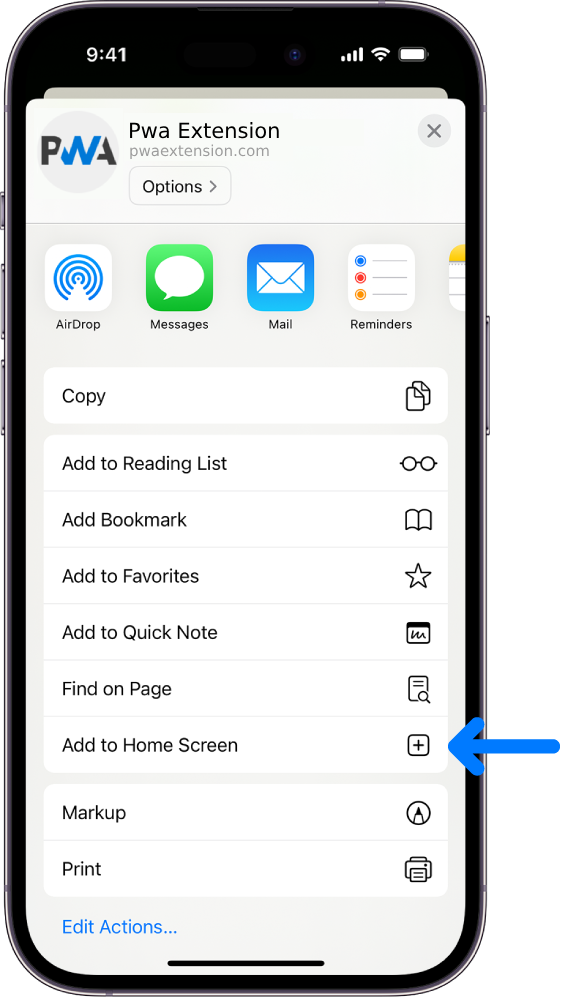
 (share) button at the bottom of your screen,
 ( Add to Home screen ).